Custom Folder Icons and Colors for Mac
Give every folder in Finder its own look. Choose a style, pick a color or gradient, add an icon, emoji, or photo, and apply it to the folder in one click. No Preview tricks, no copy and paste.
- Works directly in Finder
- Native .icns output
- Restore originals any time
Free forever. 5 folders a month in your Folder Bank, no signup, no card.
Looking for FolderSmith for Windows?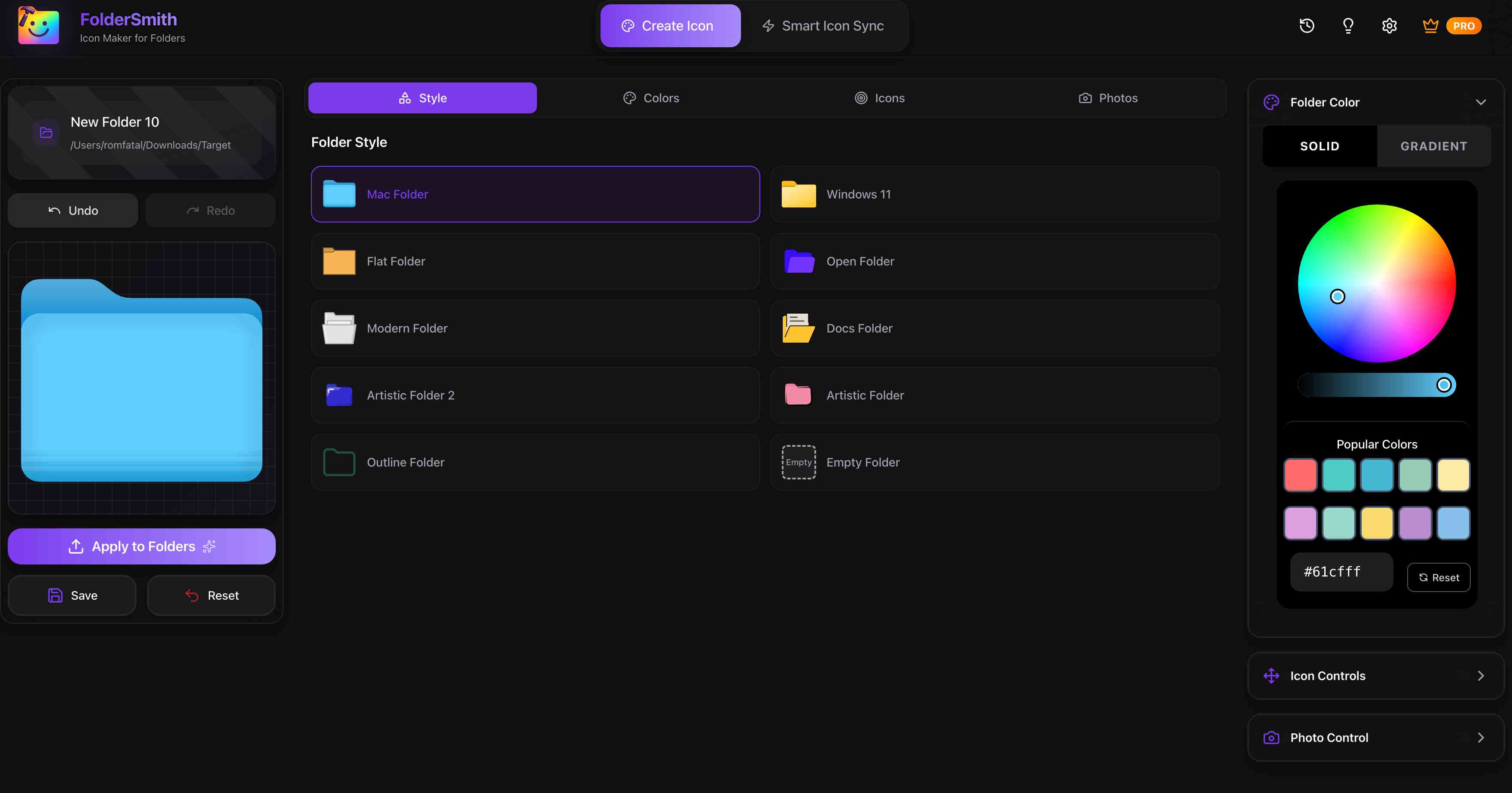
Step by step on macOS
How to change a folder icon on Mac
Five steps, about a minute, no system settings involved.
- 1
Download FolderSmith and open it
Free forever: the full editor plus 5 folder applies every month. No account and no credit card.
- 2
Choose a folder style
Start from the Mac Folder style or pick Open, Docs, Modern, Outline, or one of the artistic styles.
- 3
Pick a color or gradient
Use the color wheel, enter a HEX code, or switch to Gradient for a two-tone folder.
- 4
Add an icon, emoji, or photo
Search 200,000+ icons, drop in an emoji, or upload your own image. Drag to position and resize it.
- 5
Apply to your folder
Click Apply to Folders and select the folder in Finder. The new icon appears immediately and stays even if you uninstall the app.
Powerful Features
Everything You Need to Organize Better
Your desktop is your space. Our app gives you the creative power to make it truly yours, all in a simple, intuitive app.
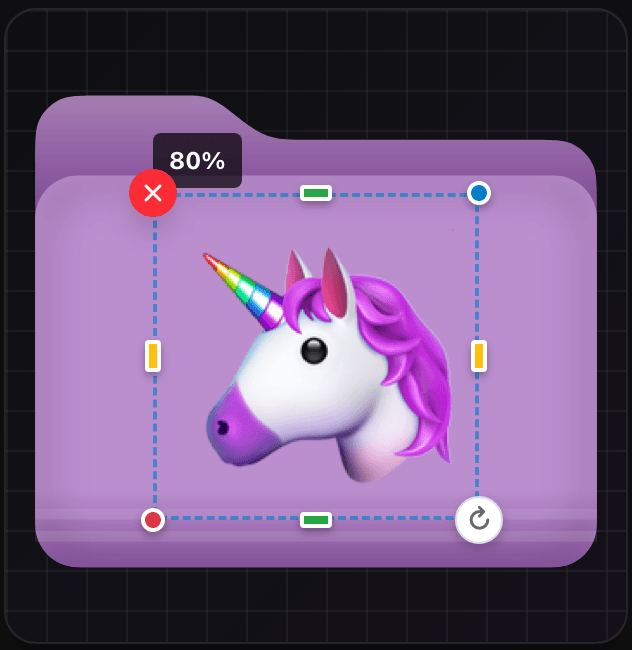
Powerful Visual Editor
Create stunning folder icons with our intuitive editor. Design, preview, and apply all in one place. Simple enough for anyone, powerful enough for pros.
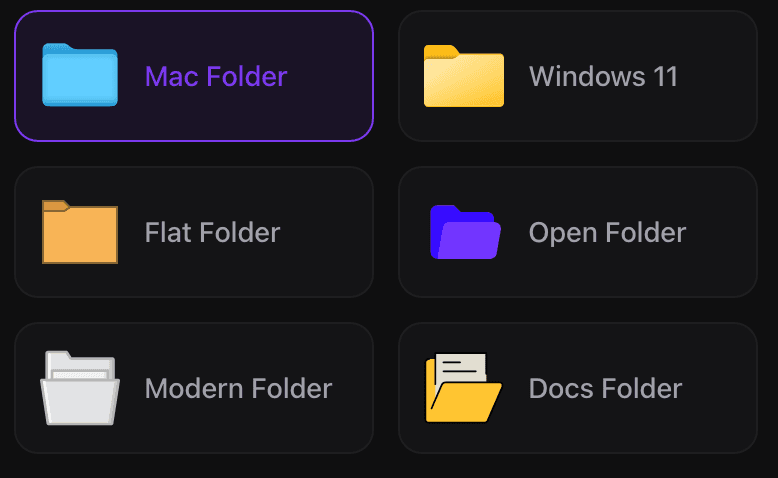
Choose Your Style
Pick from multiple folder styles that match your workflow. Mac, Windows, Open, closed, or document stack make it your Style.
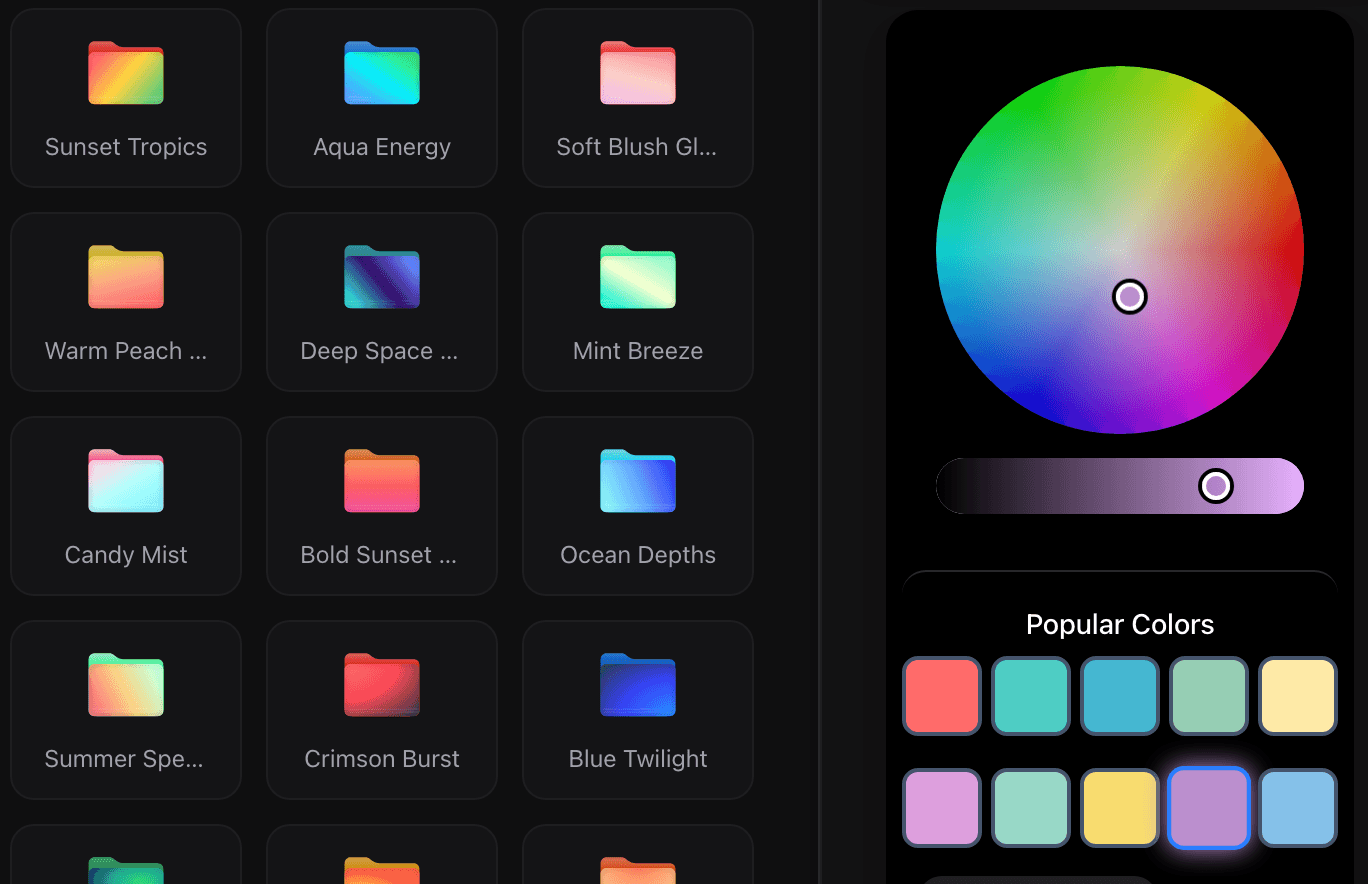
Endless Color Possibilities
Solid colors or stunning gradients the choice is yours. Create a cohesive visual system with unlimited color options.
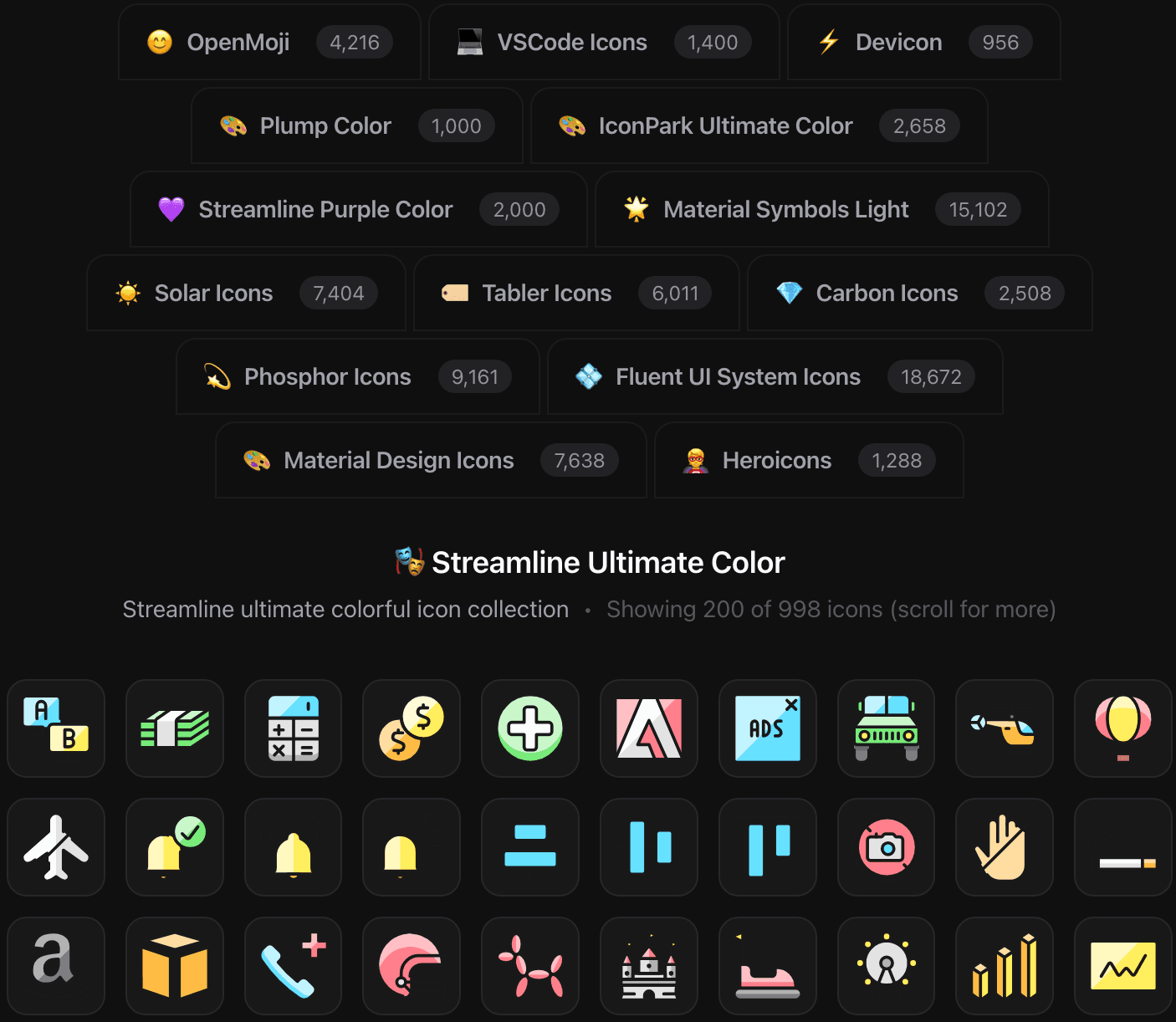
200,000+ Icons & Custom Upload
Access the massive Iconify library with over 200,000 icons, or upload your own custom images. All free, unlimited creative freedom.

Custom or Stock Photos
Use your own photos or choose from stock images to make your folders come alive. Transform ordinary folders into visual landmarks.
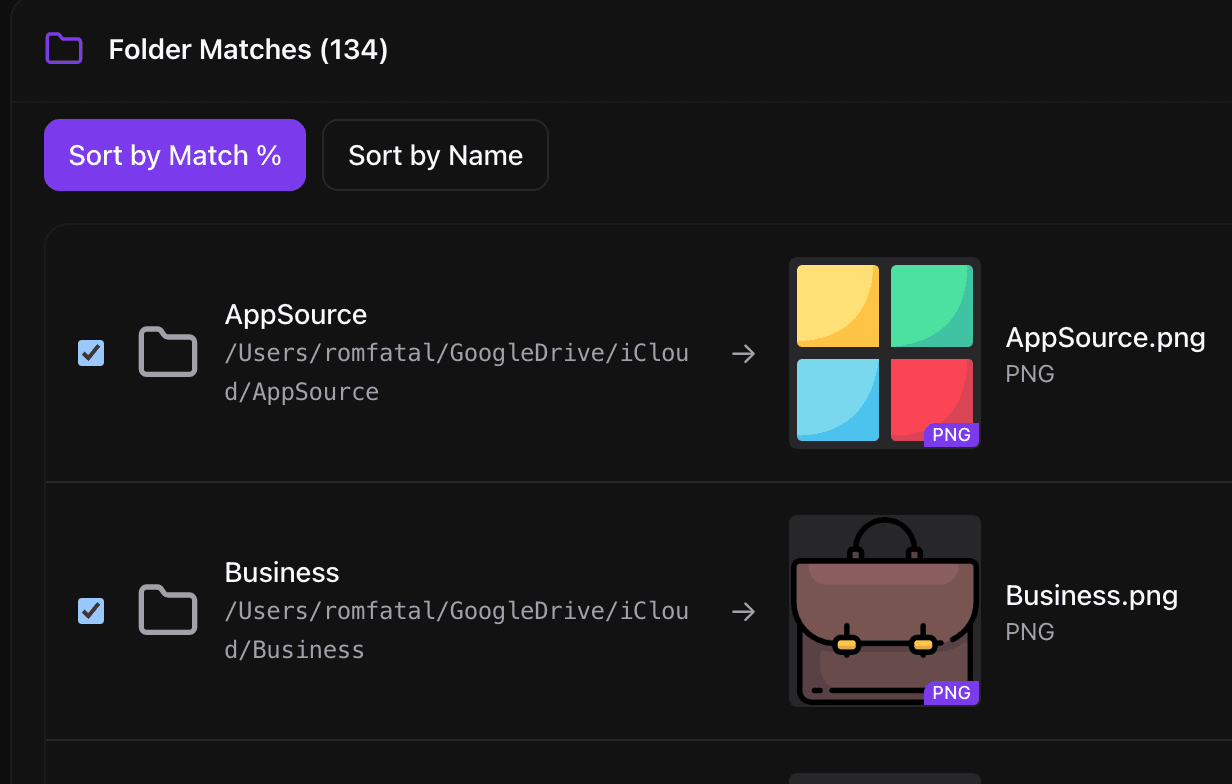
Smart Icon Sync
All your icons, applied to all your folders in one click. Works on Mac and Windows, even through cloud drives like Google Drive and Dropbox. Free to try, unlimited with Pro.
Complete Feature Set
Explore all the powerful tools at your fingertips.
Editor Features
Precision Positioning
Drag your overlay icon to any position on the folder. Center it, rotate it, place it in corners, all to create your unique layouts.
Real-Time Preview
See exactly how your icon will look as you design it. No surprises, just perfect results every time.
Undo & Redo
Experiment freely with unlimited undo/redo. Your creative process should be stress-free.
Application Features
Instant Application
Apply your custom icons to selected folders and files with a single click. Works on both Windows and macOS.
Apply Existing Icons
Have .png, .ico, or .icns files? Apply them directly to your folders without needing to convert or recreate them.
Cross-Platform Magic
Seamlessly works on Windows and macOS. Your icons look perfect on every system.
Advanced Features
Smart Icon Sync
All your icons, applied to all your folders in one click. Works on Mac and Windows, even through cloud drives like Google Drive and Dropbox. Free to try, unlimited with Pro.
Automatic Backup & Undo
Every apply backs up the original icon first, so one click puts it back. Experiment without fear.
User Experience
Recent Changes History
View all your recent icon changes in one place. Quickly re-apply previous designs to new folders.
Integration
Save in Any Format
Export your custom icons as PNG, ICO, or ICNS files. Use them anywhere, share with others, or keep as backups.
Complete Privacy
All processing happens locally on your computer. No cloud dependency, no data collection, just your folders.
Premium Features
Priority Support
Get faster responses and priority feature requests. We are here to make your experience exceptional.
Pro OnlyReady to Master Your Digital Organization?
Experience the future of folder organization. Transform your digital workspace with FolderSmith's powerful tools designed for modern productivity.
No credit card required • Available for macOS and Windows
Need help? Contact our friendly support teamSimple Pricing
Free Forever. Unlimited When You Want It.
Start free with a Folder Bank to try everything, no signup or card. Go unlimited when you are ready.
Free
The full editor is free forever. Every month you get 5 folders to apply icons to, plus 5 bonus folders in your first week. Enough to style your most-used folders and try Smart Icon Sync.
Pro Yearly
Everything unlimited for a year. Cancel anytime.
- ♾️ Unlimited folders, no monthly cap
- ⚡ Smart Icon Sync on hundreds of folders in one run
- 💾 Export icons as PNG, ICO & ICNS
- 🎁 Premium template packs
- 💼 Commercial use
- 💻 Use on up to 3 computers
- 🔑 Instant activation: pay and the app unlocks itself
Pro Lifetime
Pay once, own it forever. Every future update included.
- ♾️ Unlimited folders, no monthly cap
- ⚡ Smart Icon Sync on hundreds of folders in one run
- 💾 Export icons as PNG, ICO & ICNS
- 🎁 Premium template packs
- 💼 Commercial use
- 💻 Use on up to 3 computers
- 🔑 Instant activation: pay and the app unlocks itself
- 🚀 All future updates included
- ✅ Never pay again
FolderSmith on macOS: common questions
Which Macs does FolderSmith support?
FolderSmith ships separate builds for Apple Silicon and Intel Macs. The download button picks the right one for your machine.
Can I apply an .icns file I already have?
Yes. FolderSmith applies existing .icns, .ico, and .png files directly to a folder without converting them first.
Can I use the same icons on my Windows PC?
Yes. Keep the folders in a synced drive such as iCloud, Google Drive, or Dropbox, style them on your Mac, and run Smart Icon Sync on Windows to get the same icons there.
Is FolderSmith really free?
Yes. The full editor is free forever. No signup, no card. Your Folder Bank gives you 5 folder applies every month, plus 5 bonus folders in your first week. That is enough to style your most-used folders and try Smart Icon Sync. Pro removes the cap.
What happens if I stop using the app? Do my icons disappear?
No. The icons you created stay on your folders forever, even if you uninstall the app. You only need the app to create new icons or make changes.
Is it easy to restore the original icons?
Yes. Every apply backs up the original first, and one click inside the app puts it back.
Can I use Pro on both my Mac and PC?
Yes. One Pro purchase covers up to 3 computers, Mac or Windows. Buying is keyless: pay and the app unlocks itself. On another machine, enter your purchase email and the 6-digit code we send you.
Is my data secure?
100%. FolderSmith is an offline-first app. It processes your images locally on your device. Your folder structure and personal files never leave your computer.